One platform. Every package accounted for.
PackageTrack Pro replaces paper logs, spreadsheets, and expensive legacy software with a platform built for operators. Scan it, log it, deliver it, prove it — all from your phone.
No credit card required. $80/month per facility after trial.

Fast by design
Receive a package in under 10 seconds. Not “fast for software.” Fast for the dock.
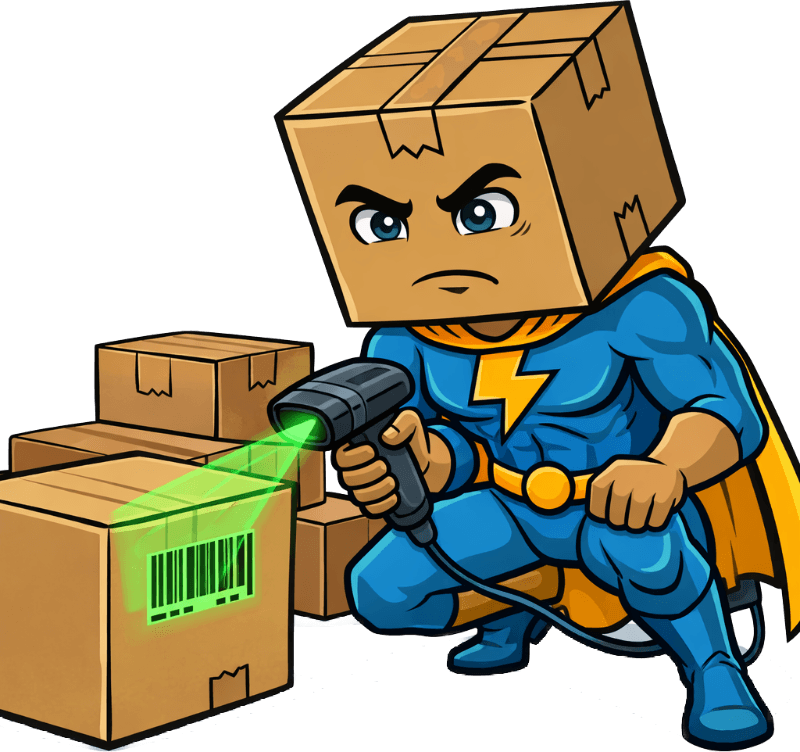
Scan the barcode. The carrier and tracking number fill themselves in. Pick the recipient with one tap from recent names, then confirm. The package is logged, the recipient is notified if we have their email, and you're already walking back to the dock.
A standard receive takes under 10 seconds. Every extra click has to earn its place.
Got a full cart? Switch to the Scan & Receive tab — scan barcode after barcode without stopping. Each package is staged and ready to sort when you are.
Three steps from scan to logged. Big buttons for gloved hands. Installable on iPhone and Android.
✨ AI-powered
Point your camera at the label. Watch the form fill itself.
Our AI reads the shipping label from a photo. Carrier, tracking number, and sender are filled in for you to check before you save. No more hunting for the right field or mistyping a long tracking number.
For barcodes, your phone camera is the scanner. No hardware required, nothing to break, nothing to charge.
Recognizes UPS, FedEx, USPS, DHL, Amazon, and OnTrac tracking numbers, and you can add your own carriers. If a label can't be read, you type it in as usual. AI label scans: 100 during your trial, 20 a month per facility after, unlimited with the $20/mo per-facility add-on.
Tracking
1Z999AA10123456784

Every package, accounted for
Who received it. Who delivered it. When. Photo and signature proof when you want it.
When someone asks “where's my package?” — and they will — you have a time-stamped answer on the package page. Who logged it at the dock, what condition it was in, who it was delivered to, and the signature or photo if you captured one.
No more “I don't know, I wasn't here that day.” No more HR investigations that go nowhere because the paper log from last month is in a recycling bin.
Time-stamped history on every package. Optional photo proof at receive and delivery, and optional signature capture, kept for your retention period (default 90 days). Export package, carrier, and delivery-time reports as CSV.
Today 9:03 AM
Today 9:15 AM
Today 2:30 PM
Today 2:47 PM
5 notification channels
Tell recipients the moment their package lands. Keep your team in the loop.
Direct to the recipient: Email goes to recipients with an email on file (people with a login can turn it off). In-app alerts reach recipients who have a PackageTrack login. Text messages go to recipients who have SMS turned on and an email or login on file, sent through your own Twilio account. No more “did my package come in?” walk-ups.
Facility-wide channels: Slack and Microsoft Teams post to your mailroom's channel each time a recipient is notified about a new package, so your whole team sees what's coming in without opening the app.
Set up once per facility: paste a Slack or Teams webhook URL, or add your own Twilio account for SMS. Email and in-app need no setup. Notifications go out when you receive a package for a recipient with an email or a login on file.
You have a package!
Hi Sarah, a package has arrived for you at Main Mailroom.
📦 A package has arrived for you.
Tap to view details →
Sarah, you have a package waiting at Main Mailroom. Check in to pick it up.

Your facility, your rules
Configure everything. Control who sees what. No IT ticket required.
Every facility runs differently. PackageTrack Pro lets you configure the receive form, manage your team, and maintain your recipient directory — all from the admin dashboard.
Add your whole team with role-based access. Import recipients from a CSV. Toggle fields on and off to match your workflow. Everything is controlled by you, not by us.
In multi-facility organizations, admins switch between facilities from one login. Each facility keeps its own data, team, and settings.
Field Configuration
Make fields required, optional, or hidden. Adapt the receive form to your workflow.
User Roles
Invite team members as Admin, Operator, or Viewer. No per-seat fees.
Recipient Directory
Manage everyone who receives packages. Search, edit, and keep records current.
CSV Import & Export
Bulk import recipients. Export package, carrier, and delivery-time reports as CSV anytime.
Shift Notes
Leave notes for the next shift. Everyone sees what happened while they were gone.
Multi-Facility
Multiple locations under one organization. Each facility gets its own data and team.
Warehouse-first design
Designed for gloves, bad Wi-Fi, and people who don't have time to learn new software.
Most software is designed for people sitting at a desk. PackageTrack Pro is designed for people standing at a dock. Buttons are sized for work gloves. Screens are kept light for spotty connections. The receive flow is built for one hand.
Install it on your phone like a native app — no App Store, no IT approval. When Wi-Fi drops (and it will), the header shows you're offline, and opening a new page while you're offline shows an offline screen. A Scan & Receive batch you're in the middle of stays saved on your phone until you can submit it.
Works on phones and tablets. No training manual required.
Large touch targets
Buttons are sized for gloved hands. No pinch-tapping tiny icons.
Clear when you're offline
Wi-Fi drops? The header tells you, and a Scan & Receive batch you started stays saved.
Installable on iPhone and Android
Add to home screen — works like a native app. No App Store needed.
Guided setup
A setup wizard walks you through locations and departments, then you can receive your first package.
Connection status

By the numbers
The math isn't complicated.
To receive and log a package
No per-package fees. No per-seat fees.
To start your 10-day trial
Fancy software collecting dust on a loading dock? Yeah, I’ve seen that movie. If you don’t respect an operator’s time, they’ll go right back to the clipboard. So we built something they actually want to open.
— BoxHead
What PackageTrack Pro delivers
Give your team the tools to succeed.
Start your 10-day free trial. No credit card. Guided setup you do yourself. We'll be here if you have questions.
Start Free TrialNo credit card • Cancel anytime • Your data stays yours